What is Muse Image 2?
Muse Image 2 stands as the newest hosted image model in the Google product family. It blends streamlined image generation with precise editing, plus optional web grounding, expanded multi-image reference support, and adaptable high-resolution output controls directly on this page.
What is Muse Image 2 best for?
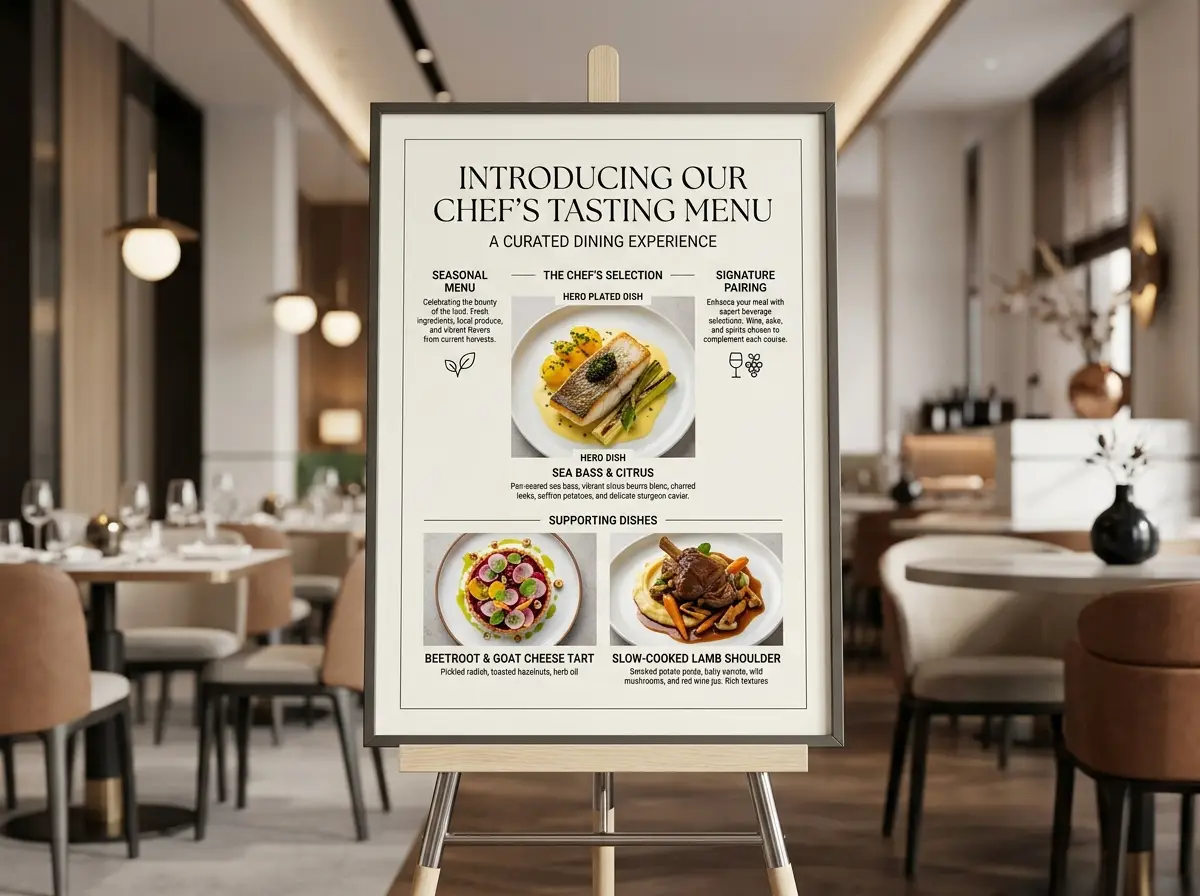
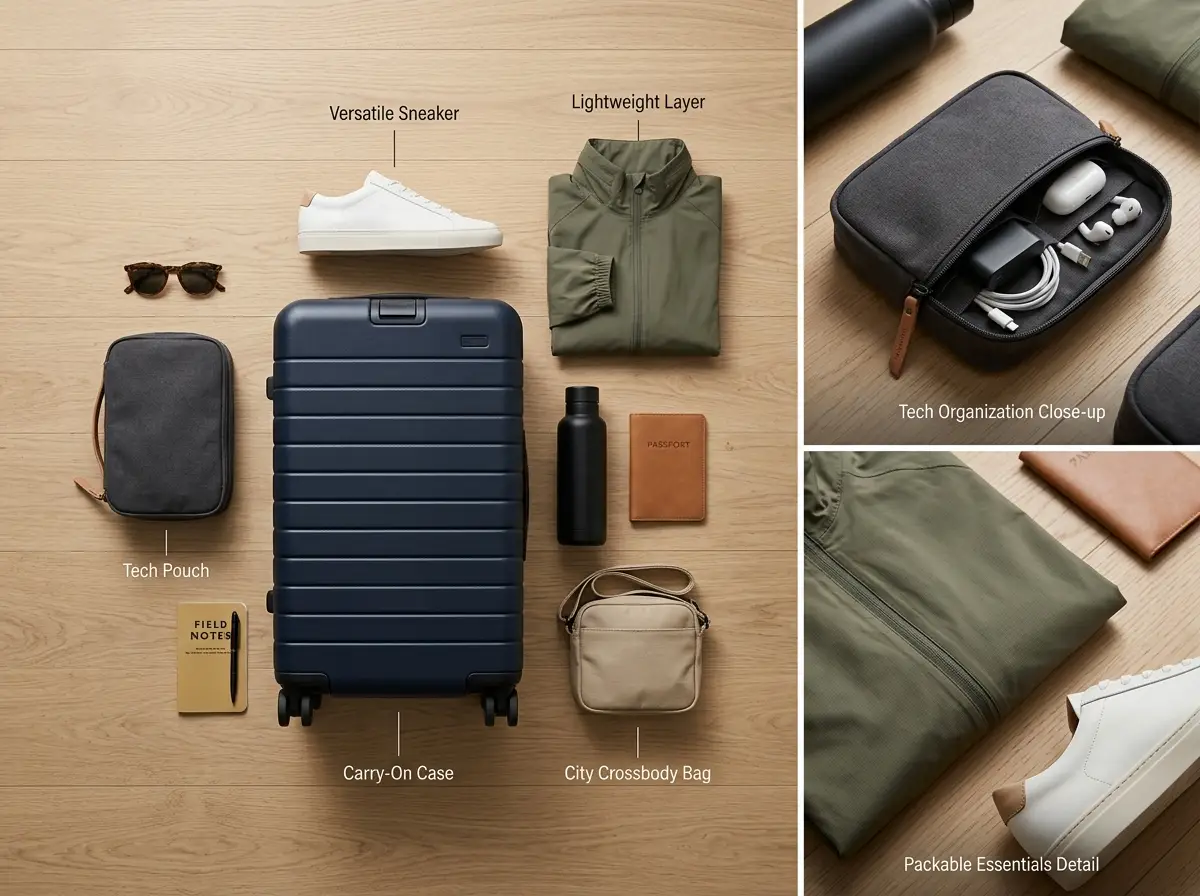
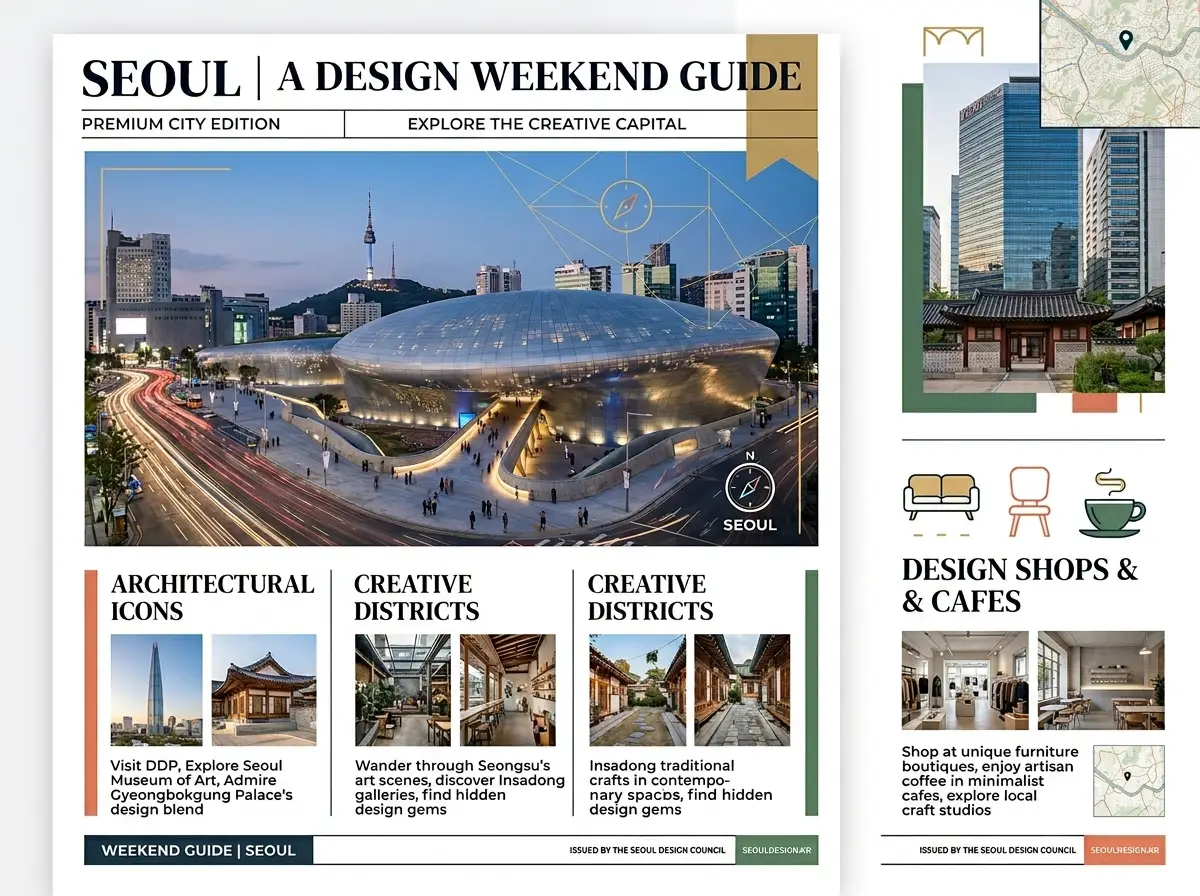
Muse Image 2 stands out for real-time informational visuals, classroom-style educational explainers, travel or food concept boards, targeted multi-reference product edits, and every project where your visual brief relies on fresh, externally pulled grounded context.
Does Muse Image 2 support image input and web grounding here?
Absolutely. On this page, Muse Image 2 accepts up to 14 reference images along with optional web grounding. This pairing is ideal for visuals that combine multiple reference assets with timely, real-world factual details.
Which resolutions and aspect ratios does Muse Image 2 support here?
Muse Image 2 supports 1K, 2K, and 4K output resolutions on this page. The available aspect ratios include 1:1, 2:3, 3:2, 3:4, 4:3, 9:16, 16:9, plus an automatic mode for fast, flexible configuration.
How do I write better Muse Image 2 prompts?
To craft more impactful Muse Image 2 prompts, split your core visual brief from grounded contextual details. First outline your subject, composition, and desired artistic style, then identify which web-sourced or real-time information will define the final output. If you’re using reference images, clearly explain each one’s intended goal to avoid conflicting guidance between your references and grounded context.
When should I use Muse Image 2 instead of Muse Image Pro or Flash?
Choose Muse Image 2 when real-time information, web grounding, or expanded multi-image workflows are non-negotiable for your projects. For quick, cost-effective creative iteration focused on grounded context, go with Muse Image Flash. Select Muse Image Pro if your top priority is a refined, polished final render.
Is Muse Image 2 good for explainers and information-led visuals?
Absolutely, it’s exceptional for this use case. Muse Image 2 is the perfect choice when your visual needs to share fresh information, grounded specifics, or a clear, factual framework instead of relying only on a purely style-focused prompt.
Can I use Muse Image 2 images commercially?
For professional commercial applications, treat Muse Image 2’s output the same as you would results from any hosted AI image generator. Any grounded or real-time informational visuals still require standard legal, policy, and factual reviews before you publish them publicly.